Laptop Accessories Price in BD — Chosen Right, Not Just Bought Cheap
Laptop accessories price in BD depends less on the laptop brand than on three things most buyers never check: the exact part number, the power spec, and whether the accessory is built for Bangladesh's grid and climate conditions. Computer Village verifies all three before an order leaves the counter — because a "compatible" charger that isn't rated for local voltage swings, or a battery that wasn't designed for tropical humidity, fails faster than the price tag suggests.
The Bangladesh Factor: Why Local Conditions Change What You Should Buy
Most laptop accessory guides are written as if every country's electricity and climate are identical. They're not, and it shows up in real returns:
- Voltage swings and load-shedding. Bangladesh's supply sits around 220–240V but fluctuates more than in markets where these guides originate. A charger with weak surge tolerance degrades faster here — this is a bigger factor in charger lifespan locally than brand reputation alone.
- Humidity and battery chemistry. Lithium-ion cells age faster in consistently humid, warm storage and use conditions. This is one reason a battery bought without checking manufacture date or storage history underperforms its rated cycle count within a year, even if the part number is technically correct.
- Dust load on moving parts. Open floor offices, construction dust, and monsoon humidity together shorten the working life of keyboard membranes and fan-based cooling pads faster than in cleaner or drier environments.
None of this means "buy expensive" — it means the checklist has to include local-condition fit, not just spec-sheet fit. This is the layer our technicians add on top of the standard compatibility check.
A Technician's Decision Tree — Not a Product List
Skip the endless bullet list of accessory types. Here's how our floor staff actually think through a request, in order:
| Customer says... | What we check first | Why it matters more than price |
|---|
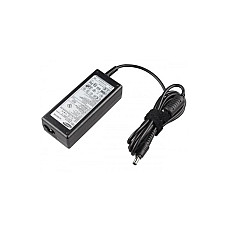
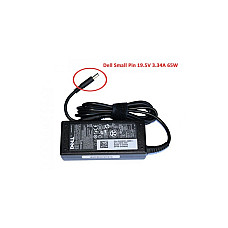
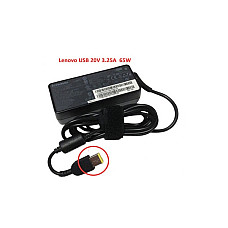
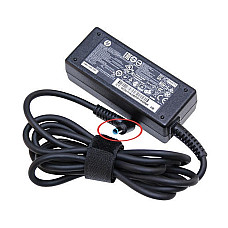
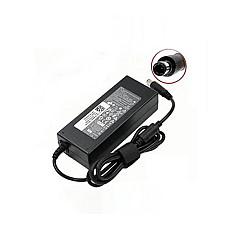
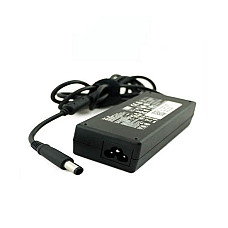
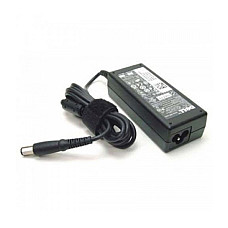
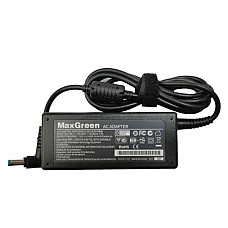
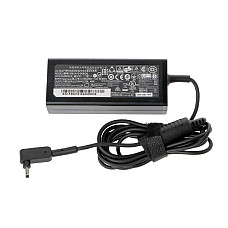
| "My charger died" | Original adapter's voltage/amp/wattage plate + tip size | Wrong wattage either underpowers the laptop or stresses the battery over time |
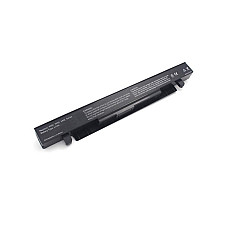
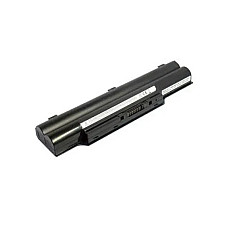
| "Battery drains too fast" | Part number + approximate age of the old cell | A 3+ year-old battery in daily humid use is often past reasonable capacity regardless of brand |
| "Laptop runs hot" | Vent placement and existing airflow, not just fan speed rating | A cooling pad mismatched to vent location barely changes internal temperature |
| "Need a keyboard replacement" | Exact model + region layout (some markets ship different key layouts for the same model) | A visually similar keyboard can have a different key-map underneath |
| "Want a docking setup" | Laptop's actual port generation (USB-C with Thunderbolt/DP-alt vs USB-C power-only) | Two laptops with the same-looking port can support completely different dock capabilities |
Myth vs. Reality: What Local Buyers Get Wrong
Myth: "Higher price always means better compatibility." Reality: price mostly reflects brand and build materials. Compatibility is decided entirely by part number and spec match — a moderately priced, correctly matched battery outperforms an expensive mismatched one every time.
Myth: "Any USB-C charger will work if the wattage is close enough." Reality: USB-C Power Delivery has negotiation profiles. A charger can carry the right wattage on paper and still fail to deliver full power if its PD profile doesn't match what your laptop negotiates for.
Myth: "A cooling pad fixes any overheating laptop." Reality: if the internal thermal paste has dried out (common after 3–4 years), external cooling helps marginally at best — the real fix is a service center repaste, not an accessory.
Three Setups We Build Often — and What Went Into Each
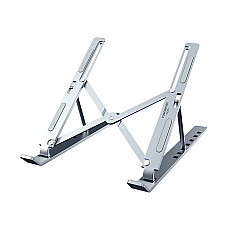
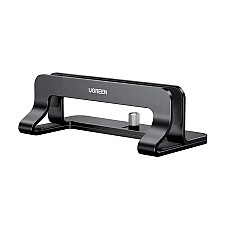
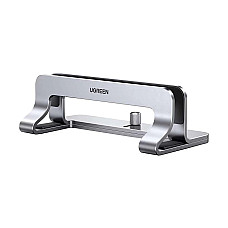
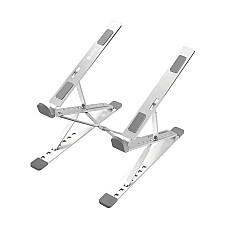
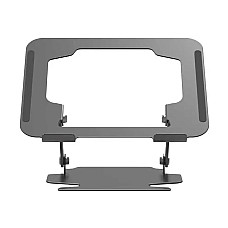
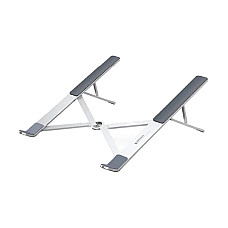
The remote-work desk: A laptop stand raising the screen to eye level, paired with an external keyboard and a compact USB-C hub for a second monitor. The stand height and hub port selection get chosen around the specific laptop's port placement — not a generic "universal" bundle.
The commuting student: A slim padded sleeve sized to the exact laptop dimensions (not just screen size — chassis thickness varies), plus a lightweight external mouse for lecture-hall use where trackpad precision suffers on shared tables.
The five-year-old office laptop revival: Battery replacement matched by part number, RAM check to confirm upgrade headroom, and a cooling pad only after confirming the vents aren't already the bottleneck. Skipping the vent check here is the most common reason customers feel a cooling pad "didn't help."
What "Genuine" Actually Means at Computer Village
In a market where counterfeit chargers and rebadged batteries circulate widely, "genuine" needs a concrete definition, not just a claim. Ours: every charger and battery we sell carries traceable brand or company warranty, our technicians physically verify part numbers against your unit before checkout, and our after-sales support covers compatibility issues discovered after purchase — not just manufacturing defects.
Explore More at Computer Village
A laptop's accessory needs rarely stop at one category. Browse related collections and current best-sellers:
Frequently Asked Questions
Does Bangladesh's voltage fluctuation actually damage laptop chargers?
Sustained voltage instability shortens the working life of chargers with weaker surge tolerance faster than in markets with a more stable grid — it's a real factor, not just a caution label.
Why did my "compatible" USB-C charger not fully power my laptop?
USB-C Power Delivery uses negotiation profiles between charger and laptop. Matching wattage alone doesn't guarantee the profiles align, which is why some USB-C chargers deliver only partial power despite a matching wattage rating.
Will a cooling pad fix a laptop that's been overheating for years?
Not on its own. If internal thermal paste has dried out — common after several years of use — a cooling pad offers only marginal relief; a service center repaste addresses the actual cause.
How much does humidity really affect laptop battery life in BD?
Lithium-ion batteries stored or used in consistently warm, humid conditions age faster than their rated cycle count suggests, which is why a battery's manufacture date and storage history matter as much as its part number.
Is a more expensive laptop accessory always more compatible?
No — price reflects brand and materials, while compatibility is determined entirely by part number and spec match. A correctly matched mid-range part outperforms a mismatched premium one.
How do I check if my laptop's USB-C port supports a docking station?
Look for Thunderbolt or DisplayPort Alt Mode support in your laptop's specification sheet — a USB-C port that's power-only will charge a dock but won't drive external displays through it.