Brand PC Price in Bangladesh — Best Picks at Computer Village
A genuine brand PC in Bangladesh — from HP, Dell, Lenovo, Asus, Acer, MSI, and Gigabyte — spans everything from entry-level Core i3 office towers to Core i7 creator-grade rigs, all backed by official brand warranty and after-sales service. Computer Village stocks all seven brands under one roof, with configurations updated weekly and every unit sold with authentic warranty documentation.
Why Buyers in Bangladesh Trust Computer Village for Brand PCs
For 25+ years, Computer Village has operated out of BCS Computer City, Agargaon — one of the few IT hubs in Dhaka where you can physically walk in, power on a unit, and compare three brands side by side before you commit. That matters more than most price-comparison sites admit: a brand PC isn't a spec sheet, it's a machine you'll run 8+ hours a day for years, and the difference between a Dell OptiPlex's business-grade capacitors and a no-name assembled tower only shows up after month six.
Every unit sold here comes with the manufacturer's official warranty card, not a shop-issued substitute — which matters in a market where grey-market imports quietly strip warranty coverage to shave a few thousand taka off the price. Computer Village's service desk handles warranty claims directly with brand-authorized centers, so a faulty PSU or a dead SSD doesn't turn into a month of back-and-forth.
Which Brand PC Should You Actually Buy? (Real Buyer Scenarios)
Most "which PC should I buy" content in Bangladesh just repeats spec sheets. Here's how it actually breaks down by who's buying:
The Small Business Owner Setting Up a Billing Counter
You don't need a gaming rig — you need something that survives load-shedding, runs POS software without hiccups, and doesn't die after 18 months of continuous power-on time. HP's Pro Tower and Dell's OptiPlex range are purpose-built for exactly this: business-grade components, longer duty-cycle ratings, and Intel Core i3 12th/13th Gen chips that comfortably handle Tally, inventory software, and multi-tab browsing without ever feeling stretched.
The University Student or Fresh Graduate Building a Home Setup
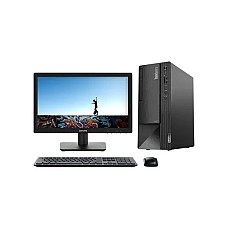
Budget is the constraint, not performance. A Core i3 12th Gen desktop with 8GB RAM and an SSD (not HDD — this single swap makes more real-world difference than a CPU generation bump) handles coding assignments, Zoom classes, and light Photoshop work without breaking the bank. Lenovo's ThinkCentre Neo series consistently lands in this sweet spot.
The Freelance Designer or Video Editor
Here, RAM and storage speed matter more than raw CPU clock. Look for Core i5 13th/14th Gen or Core i7 configurations paired with NVMe SSDs — the jump from SATA SSD to PCIe NVMe alone can cut render and export times noticeably. Lenovo's IdeaCentre and Acer's Veriton MT series in Core i7 trims are built for exactly this workload.
The Corporate IT Manager Provisioning 10+ Units
Standardization and remote manageability matter here. Dell OptiPlex and HP Pro/EliteDesk lines support enterprise management tools (Dell Command | Configure, HP Wolf Security features on select models) and TPM 2.0 for Windows 11 compliance — a detail that trips up a lot of bulk buyers who only check the price sheet.
Generation & Processor Comparison — What Actually Changes Between Gens
| Processor Class | Typical Use Case | What You Notice Day-to-Day |
|---|
| Intel Core i3 (12th–14th Gen) | Office work, browsing, billing software, online classes | Snappy for single-tasking; multitasking with 15+ Chrome tabs starts to lag on 12th Gen more than 14th Gen |
| Intel Core i5 (12th–14th Gen) | Multitasking, light editing, business dashboards, spreadsheets with heavy formulas | Noticeably smoother under multiple open applications; 14th Gen adds better efficiency-core scheduling |
| Intel Core i7 (13th–14th Gen) | Video editing, 3D rendering, software development with multiple VMs/containers | Real gains in export and compile times; pairs best with 16GB+ RAM and NVMe storage |
| Intel Core 5 / Core 7 (Series 2) | Compact mini PCs with modern efficiency architecture | Strong performance-per-watt in small form factors like Lenovo's IdeaCentre Mini |
One buying mistake worth flagging from real customer conversations: a 14th Gen Core i3 will often outperform a 12th Gen Core i5 in single-threaded office tasks, because generation-over-generation efficiency gains sometimes matter more than the i3/i5/i7 label. Don't buy purely by tier — check the generation too.
Compatibility & Upgrade Notes Before You Buy
- RAM type matters: Newer brand PCs (14th Gen platforms) have shifted to DDR5, which is not backward-compatible with older DDR4 sticks — check this before assuming you can upgrade RAM later with parts you already own.
- Storage headroom: Most brand PCs ship with a single M.2 NVMe slot populated and often a spare SATA bay — useful if you plan to add bulk HDD storage down the line without touching the primary SSD.
- Graphics upgrade path: Business-class towers (OptiPlex, ThinkCentre, Pro Tower) typically ship with compact PSUs (180W–260W) that won't support a discrete graphics card without a PSU swap — something gamers mistakenly overlook when eyeing a "cheap" business PC.
- Windows 11 readiness: Anything from 8th Gen Intel onward with TPM 2.0 enabled in BIOS is Windows 11 compatible — most current-stock brand PCs at Computer Village meet this out of the box.
Brand-by-Brand Snapshot
HP — Strong in the business-tower segment (280 Pro, Pro Tower series); known for straightforward BIOS management and wide parts availability in BD.
Dell — The OptiPlex line is the go-to for corporate bulk procurement thanks to enterprise management tooling and consistent build quality across generations.
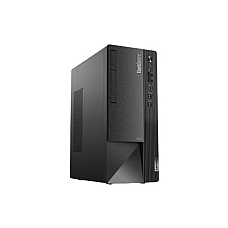
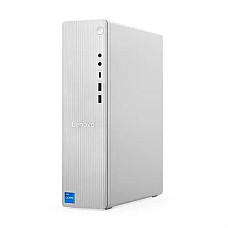
Lenovo — ThinkCentre for business reliability, IdeaCentre for home/creator use; the ThinkCentre's engineering pedigree carries over from the ThinkPad line.
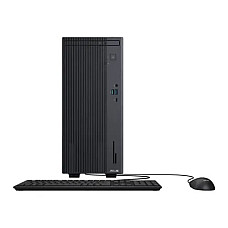
Asus — ExpertCenter series blends compact form factors with surprisingly capable configurations for the price bracket.
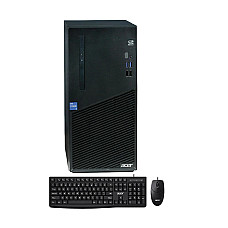
Acer — Veriton range covers both tower and mini-tower form factors with dependable mid-range performance.
MSI — A newer entrant to BD's brand-PC space, bringing gaming-brand build quality into compact mini-tower desktops.
Gigabyte — Limited but growing lineup, generally positioned for users who already trust Gigabyte's motherboard and GPU ecosystem.
Warranty, Authenticity & Service — What to Actually Verify
Before finalizing any brand PC purchase in Bangladesh, confirm three things: (1) the warranty card carries the brand's official serial number, not a reseller sticker, (2) the seller can point you to an authorized service center — not just "we'll fix it in-house," and (3) the invoice reflects VAT-compliant billing (Mushak 6.3) if you're purchasing for business use, which matters for both warranty validity and any future asset audit. Computer Village provides all three as standard, along with nationwide home delivery within 2–4 working days and EMI facilities for larger office procurement orders.
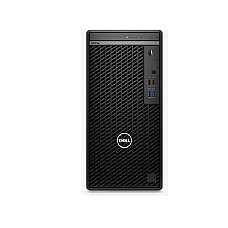
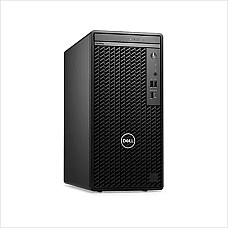
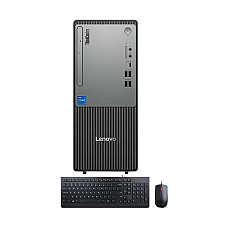
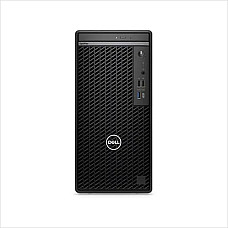
Our Current Best-Selling Brand PCs
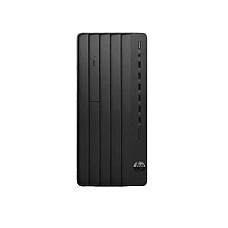
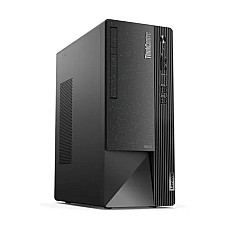
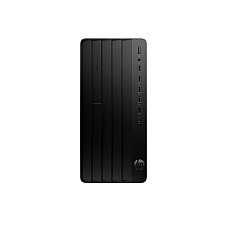
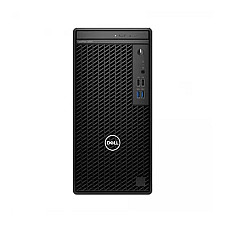
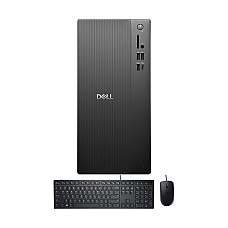
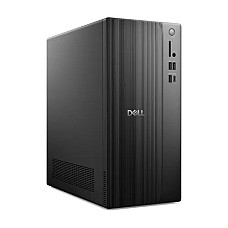
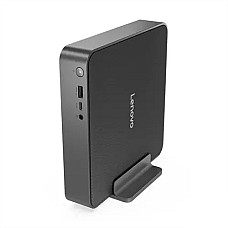
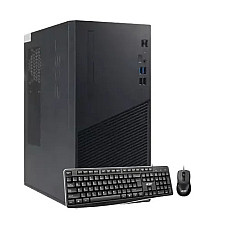
These are the configurations moving fastest across budget, business, and performance brackets right now — all currently in stock:
Exploring beyond desktop towers? Browse our Portable Mini PC range for space-saving setups, All-in-One PCs for a cable-free desk, our Gaming PC lineup for higher-performance builds, or shop Processors and Graphics Cards separately if you're planning a custom build. Laptop shoppers can check our full Laptop collection as well.
Frequently Asked Questions
What exactly is a "brand PC" and how is it different from an assembled PC?
A brand PC is a factory-built, pre-configured desktop from a single manufacturer (HP, Dell, Lenovo, etc.) sold as a complete unit with unified warranty coverage. An assembled PC uses individually sourced components from different brands, offering more customization but requiring you to manage separate warranties for each part.
Which brand PC is best for office and business use in Bangladesh?
Dell OptiPlex and HP Pro Tower series are the most widely deployed in Bangladeshi offices, thanks to business-grade reliability, TPM 2.0 security chips, and strong local service-center coverage.
Is 8GB RAM enough for a brand PC in 2026?
For office work, browsing, and light multitasking, 8GB is sufficient. For video editing, multiple VMs, or heavy multitasking with 20+ browser tabs, 16GB is the more future-proof choice.
Do brand PCs in Bangladesh come with official manufacturer warranty?
Yes, when purchased from an authorized retailer. Computer Village sells only manufacturer-warrantied units with valid serial-number registration, not grey-market imports.
Can I upgrade RAM or storage on a brand PC later?
Most brand PCs support later upgrades, but always confirm RAM type (DDR4 vs DDR5) and available slots before buying if future upgrades are part of your plan.
Does Computer Village offer EMI or installment options on brand PCs?
Yes, EMI facilities are available for eligible purchases, particularly useful for business and bulk office procurement.
How long does delivery take outside Dhaka?
Nationwide home delivery is typically completed within 2–4 working days of order confirmation.