Adata SSD Price in BD: Pick the Right Drive, Not Just the Cheapest One
Shopping for an Adata SSD usually starts with one question: how much will it cost? At Computer Village, Adata SSD price in BD currently sits between roughly 6,600 and 49,050 Taka. The lower end gets you a dependable SATA drive that can bring an old laptop back to life. The upper end covers high-capacity Gen4 and Gen5 NVMe drives for serious gaming and editing rigs. Storage prices here shift often with import costs and supply, so give the live price on our website a quick check before you place your order.
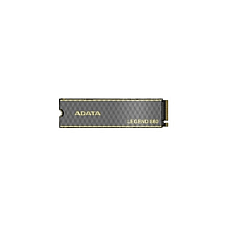
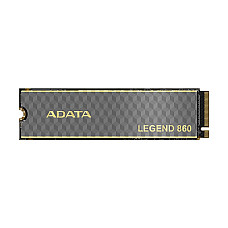
Which drive fits you depends on your machine. An Adata SU650 suits older laptops and desktops, and a Legend 710 handles budget NVMe upgrades. A Legend 860 or Legend 900 is built for gaming and creative work, while an Elite SE880 or SC-series portable drive is made for carrying your files wherever you go.
Adata, the Taiwanese memory maker behind the Legend and XPG lines, is one of the most requested SSD brands at our counters. The reason is simple: it gives you dependable flash storage across every budget, from a basic SATA swap that brings an old laptop back to life to a PCIe Gen5 drive built for heavy gaming rigs. Computer Village has been helping Bangladeshi buyers choose storage for years. This page is the advice our sales team gives every day, written down so you can choose with confidence.
Adata SSD Lineup Decoded: What Each Series Is Built For
In one line: Adata names its SSDs by job. SU is for SATA, Legend is for mainstream NVMe, XPG Gammix and Mars are for enthusiasts, and SE/SC are for portable use.
| Series | Interface & Form | Best Suited For | Typical Buyer |
|---|
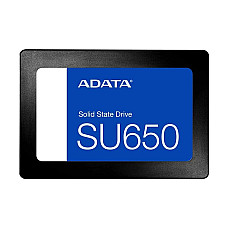
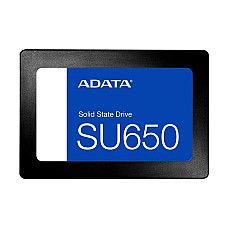
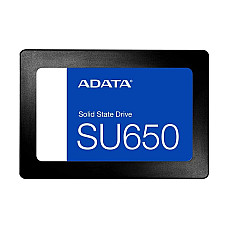
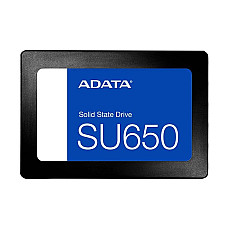
| Adata Ultimate SU650 | SATA III, 2.5-inch (also M.2 SATA) | Reviving older laptops and office desktops | Students, offices, HDD-to-SSD upgraders |
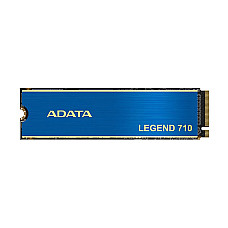
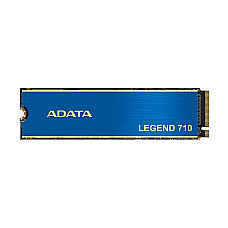
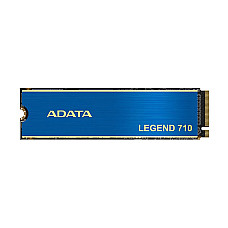
| Adata Legend 710 | PCIe Gen3 x4 NVMe, M.2 2280 | Affordable NVMe speed for everyday PCs | Home users, freelancers, budget builders |
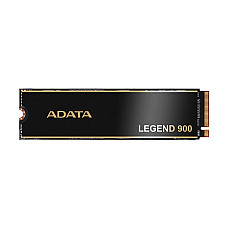
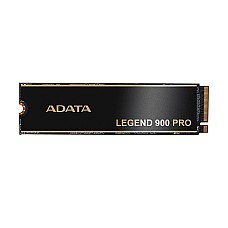
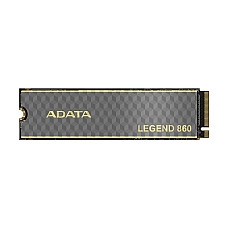
| Adata Legend 860 / Legend 900 / 900 Pro | PCIe Gen4 x4 NVMe, M.2 2280 | Gaming, video editing, large project files | Gamers, creators, power users |
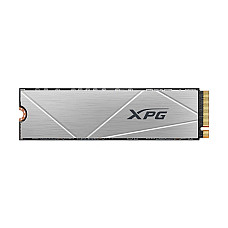
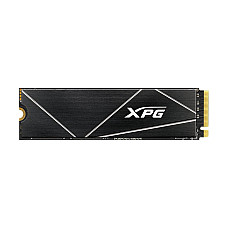
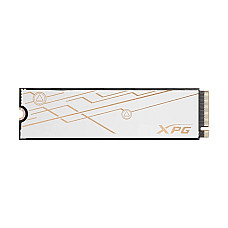
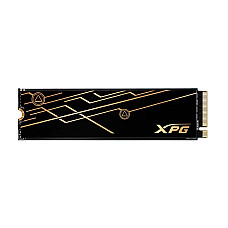
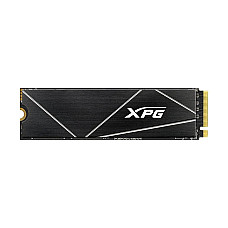
| XPG Gammix S60 Blade / Mars 980 Blade | PCIe Gen4 / Gen5 NVMe, M.2 2280 | High-end builds that need top-tier throughput | Enthusiasts, workstation builders |
| Adata Elite SE880 / SC730 / SC735 / SC740 | USB Type-C portable SSD | Backup, file transfer, on-the-go editing | Photographers, travelers, Mac and laptop users |
Which Adata SSD Should You Buy? Real Scenarios From Our Counter
Match the drive to your slot and your workload first. Spend extra only where you will actually feel the difference.
"My 5-year-old laptop takes forever to boot."
This is the most common request we hear. If your laptop still runs a hard disk and has no M.2 slot, a 2.5-inch SATA SSD such as the SU650 is the single biggest speed upgrade you can make. Boot times often drop from minutes to seconds. A 256GB drive is enough for Windows plus office apps. Choose 512GB if you keep photos or a local music library.
"I'm building a budget desktop for work and light gaming."
Most modern motherboards and laptops have an M.2 NVMe slot, so skip SATA here. The Legend 710 delivers several times SATA speed at a modest step up in cost. In daily use, Windows feels snappier, apps open instantly and file copies finish noticeably faster.
"I play AAA games and edit 4K video."
Go Gen4. Drives like the Legend 860 and Legend 900 cut game load times and keep timelines smooth when scrubbing heavy footage. Aim for 1TB or more, because modern game installs commonly run past 100GB each. Buyers chasing maximum throughput on a Gen5-ready platform can step up to the XPG Mars 980 Blade.
"I need to carry client files between office and home."
A portable SSD such as the Elite SE880 is pocket-sized, shock-resistant and far faster than a portable hard disk. Its top speeds need a USB 3.2 Gen2x2 (20Gbps) port. On a regular USB 3.0 port it still works, just at that port's ceiling.
Compatibility Checklist: Do This Before You Order
Most "wrong SSD" returns come from slot or key mismatches. Two minutes of checking prevents them.
- Identify the slot: A 2.5-inch bay takes SATA drives. An M.2 slot may support SATA, NVMe or both. Check your laptop or motherboard manual, or ask us with your model number.
- Check the M.2 length: Almost all Adata internal NVMe drives are M.2 2280 (22mm wide, 80mm long). Some thin laptops only fit 2242 or 2230 drives.
- Know your PCIe generation: A Gen4 drive works in a Gen3 slot, but only at Gen3 speed. If your system is Gen3-only, the Legend 710 gives better value.
- Mind the heatsink clearance: Heatsink-equipped models suit desktops and the PS5 expansion slot. In slim laptops, a bare or thin-label drive fits better.
- Plan the migration: Decide whether to clone your old drive or do a fresh Windows install. A fresh install usually gives the cleanest result.
SSD Terms
Five spec-sheet terms explain most of the price difference between two Adata SSDs of the same capacity.
- Sequential read/write (MB/s): Speed for large files. SATA tops out near 550MB/s, Gen3 NVMe reaches around 3,500MB/s, Gen4 reaches about 7,000MB/s, and Gen5 goes beyond that.
- DRAM vs DRAM-less (HMB): A DRAM cache keeps speeds consistent during heavy, sustained writes. DRAM-less drives borrow a little system memory instead and are perfectly fine for everyday use.
- 3D NAND (TLC/QLC): TLC flash, which Adata uses across most of its lineup, balances endurance and cost well. QLC trades some endurance for cheaper high capacity.
- TBW (terabytes written): The rated write endurance. A typical home user writes far less per year than any modern Adata drive is rated for.
- MTBF: A reliability rating measured in hours. The SU650, for example, is rated at around 2 million hours.
Buy Your Adata SSD From Computer Village?
You get an authentic product, an official warranty, after-sales help that actually responds, and pricing shown openly on every product page.
- Authentic, sealed stock: Every Adata SSD we sell comes through authorized distribution channels, sealed in original packaging.
- Official warranty support: Most Adata internal SSDs carry a 3- to 5-year manufacturer warranty, depending on the series. The exact term is listed on each product page, and we handle claims through our service center.
- Specialist guidance: Share your laptop or motherboard model, and our team will confirm slot type, size and generation before you pay.
- Transparent pricing: Live prices are shown openly online. There are no hidden add-ons at checkout.
- Nationwide delivery: Order online for delivery across Bangladesh, or visit our outlet for a hands-on look.
Explore More at Computer Village
Popular in-stock Adata picks: the Adata SU650 256GB SATA SSD for budget laptop revivals, the Adata SU650 512GB 2.5 inch SSD for extra room on older systems, the Adata Legend 710 512GB NVMe SSD for affordable M.2 speed, the Adata Legend 900 512GB Gen4 SSD for gaming builds, and the Adata SE880 500GB portable SSD for fast backups on the move.
Compare other brands and storage options: browse all SSD price in BD, carry-anywhere Adata portable SSD drives, high-speed gaming SSD picks, Samsung SSD and Kingston SSD alternatives, and matching Adata RAM for a complete performance upgrade.
Frequently Asked Questions About Adata SSD
Is Adata a good SSD brand?
Yes. Adata is a long-established Taiwanese memory manufacturer, and its SSDs offer reliable performance, multi-year warranties and strong value across SATA, NVMe and portable categories.
Which Adata SSD is best for a laptop?
Older laptops with only a 2.5-inch bay suit the SU650 SATA SSD. Laptops with an M.2 NVMe slot are better served by the Legend 710 for value or the Legend 860/900 for higher performance, as long as the slot supports the 2280 size.
What is the difference between Adata Legend 710 and Legend 900?
The Legend 710 is a PCIe Gen3 x4 drive built for affordable everyday speed. The Legend 900 is a PCIe Gen4 x4 drive that delivers much higher speeds, which makes it the better choice for gaming and large-file creative work on Gen4-capable systems.
Will an Adata NVMe SSD work in my PC?
It will work if your laptop or motherboard has an M.2 slot that supports NVMe and fits the 2280 length. Gen4 Adata drives also run in Gen3 slots, at Gen3 speed.
How long is the Adata SSD warranty in Bangladesh?
Most Adata internal SSDs come with a 3- to 5-year warranty, depending on the model. Computer Village lists the exact term on each product page and supports claims through its service center.
Is an Adata SSD good for gaming?
Yes. Gen4 models such as the Legend 860, Legend 900 and XPG Gammix S60 Blade reduce game load times noticeably. A 1TB or larger capacity is recommended for modern game libraries.
Should I buy a SATA or NVMe Adata SSD?
Choose NVMe whenever your device has a compatible M.2 slot, because it is several times faster. Choose SATA only for older systems that support just 2.5-inch drives.