Mechanical Keyboard Price in BD: Pick by Feel, Not Just by Price Tag
A mechanical keyboard has a separate physical switch under every key, so each press feels distinct, registers reliably and lasts many times longer than a rubber-dome board. At Computer Village, we've helped thousands of gamers, coders, writers and office users in Bangladesh move from mushy membrane keys to a mechanical setup. The first thing nearly every one of them says is, "I didn't know typing could feel like this." This page is the advice we give at our counter, written down, so you can pick the right board before you add it to your cart.
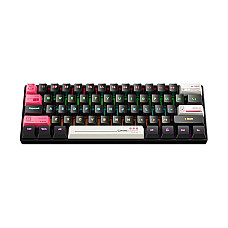
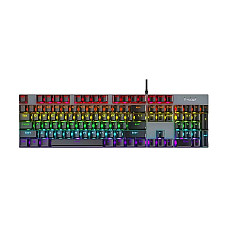
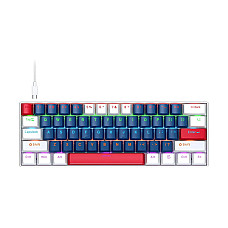
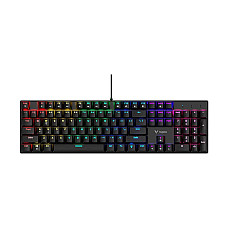
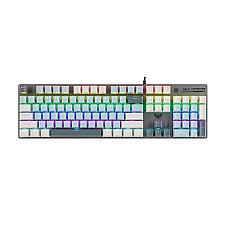
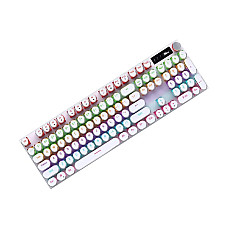
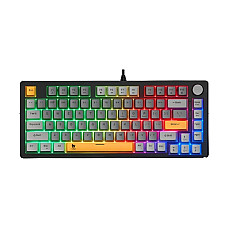
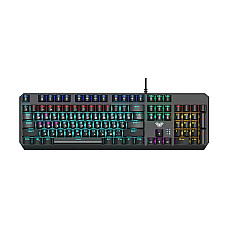
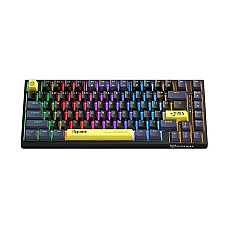
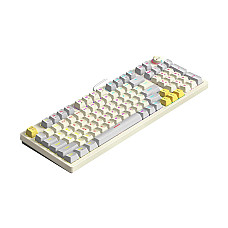
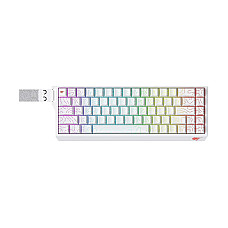
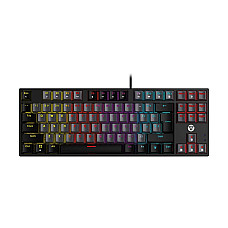
Our mechanical range is a specialist corner of our wider keyboard collection, covering brands such as Fantech, Rapoo, Aula, Havit, T-Wolf, PC Power, Onikuma, Meetion, MOFII and Xtreme, from compact 60% boards to full-size 104-key models with RGB lighting. The mechanical keyboard price in BD depends on switch type, layout, connectivity and build quality, and prices change often, so always check the live price on our website before you buy.
Why People in Bangladesh Are Switching to Mechanical
They feel better, last longer and can be fixed when something goes wrong.
- Durability: Most mechanical switches are rated for 50 million keystrokes or more, while a typical membrane board starts to wear out much sooner. That matters when one keyboard runs a whole cyber café shift or a freelancer's 10-hour workday.
- Consistency: Every key actuates at the same point, so typos drop and game inputs stay predictable.
- Anti-ghosting and N-key rollover: Press several keys at once in Valorant or PUBG PC and every one registers.
- Repairable: A single faulty switch or keycap can be replaced. You don't have to throw away the whole board.
- Comfort in our climate: Removable keycaps make it easy to clean out the dust that builds up quickly in Dhaka.
The Switch Decoder: Blue, Red, Brown and Beyond
The switch decides how a mechanical keyboard feels and sounds, so choose it first and the brand second. Many budget boards in our collection use Blue switches, while mid-range models offer Red, Brown or custom linear options.
| Switch | Feel | Sound | Best For | Think Twice If… |
|---|
| Blue (Clicky) | Tactile bump plus a click | Loud | Typists, students, first-time mechanical users | You share a room or work in an open office |
| Red (Linear) | Smooth, no bump, light press | Quiet | Fast-paced gaming, rapid key spamming | You rest your fingers heavily on the keys |
| Brown (Tactile) | Soft bump, no click | Moderate | Mixed gaming and office work, programmers | You want a strong, satisfying click |
| Yellow / Silver (Speed Linear) | Very light, short travel | Quiet | Competitive FPS players | You make accidental key presses |
| Hot-Swappable Sockets | Change switches without soldering | Depends on the switch | Enthusiasts who want to experiment | You want a plug-and-forget setup |
From our counter: Customers often buy Blue because it sounds exciting in a showroom video. Then they come back after a week of late-night typing next to a sleeping family member. If you work at night or in a shared space, start with Red or Brown.
Layout Sizes Explained: 60%, 75%, TKL and Full-Size
Layout means how many keys the board has. A smaller layout gives you more desk space and mouse room, while a bigger one gives you dedicated keys.
- 60% / 61-key: No arrow keys or function row; uses layered shortcuts instead. Ideal for minimal setups and low-sensitivity FPS gaming.
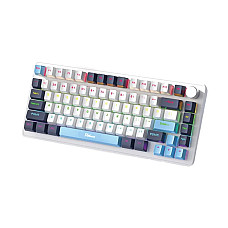
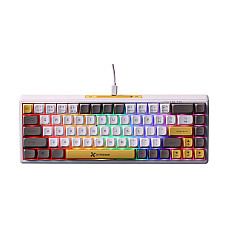
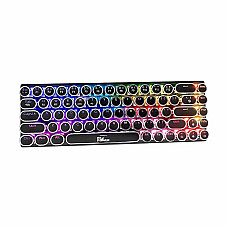
- 65% / 68-key and 75% / 82-key: Keeps arrows (and an F-row on 75%) in a compact frame. Boards like the T-Wolf ZK82 or Pc Power K82 sit in this sweet spot.
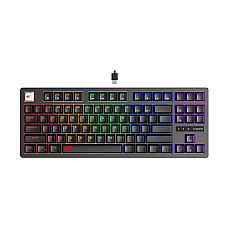
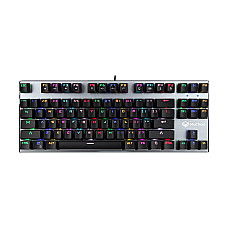
- TKL / 87-key: Full layout without the number pad. The Fantech Atom87 MK876v2 TKL mechanical keyboard is a classic example and a strong all-rounder.
- 96–98-key: Number pad squeezed into a compact body, as on the Rapoo V500PRO-98 compact mechanical keyboard. Great for accountants and Excel-heavy users who still want desk space.
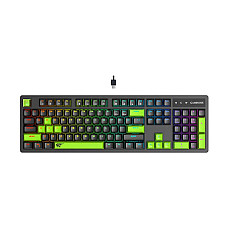
- Full-size / 104-key: Everything included. Best for data entry, Bangla typing on Bijoy layouts and office work.
Which Mechanical Keyboard Fits You? Real Buyer Scenarios
The right board depends on what you do for most of your day, not on the flashiest RGB effect. These are the buyers we meet most often:
The First-Time Upgrader
You're coming from a basic office keyboard and want to try mechanical without overspending. A wired, Blue-switch board such as the Aula F2066-II wired mechanical gaming keyboard, or an entry model from Onikuma or T-Wolf, gives you the full mechanical experience at an entry-level budget.
The Competitive Gamer
Look for Red or speed switches, full anti-ghosting, a detachable cable and a compact 60–75% layout that frees up mouse space. Browse our dedicated gaming keyboards, then pair your board with a high-DPI gaming mouse and a large gaming mouse pad.
The Freelancer and Programmer
You type for hours. Brown switches, a TKL or 98-key layout and a stable, heavier frame reduce fatigue. The Havit KB892L RGB mechanical keyboard and Rapoo's mechanical models are popular with this group.
The Multi-Device Minimalist
Choose a tri-mode board (Bluetooth, 2.4 GHz dongle and USB-C wired), such as the Pc Power Punk Mini wireless mechanical keyboard, to switch between laptop, tablet and phone. Check battery capacity, because RGB drains it quickly. If you don't need mechanical switches, our wireless keyboards are lighter, simpler options.
The Aesthetic Desk Builder
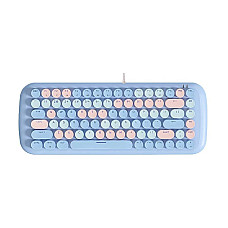
Pastel and two-tone boards like the MOFII Candy M and Aula S500 make a setup look great on camera while still delivering real mechanical switches.
How to Choose a Mechanical Keyboard: Know this Checklist
- Switch type: Clicky, tactile or linear. Match it to your environment.
- Layout: Do you actually use the number pad?
- Connectivity: Wired USB has zero latency; wireless and tri-mode boards give you flexibility.
- Lighting: Single-colour backlight, rainbow or per-key RGB with software control.
- Build: A metal top plate and gasket mounting feel more solid than an all-plastic body.
- Keycaps: Double-shot ABS or PBT legends won't fade like printed ones.
- Compatibility: Most boards are plug-and-play on Windows. Check Mac key mapping if you use macOS.
Compatibility Notes Most Shops Skip
- Laptops: Every USB mechanical keyboard works with Windows laptops. For USB-C-only MacBooks, keep a USB-C adapter handy or choose a Bluetooth model.
- Bangla typing: Any standard mechanical keyboard works with Avro or Bijoy software. Printed Bangla legends are a bonus, not a requirement.
- Consoles: Many wired boards work on PS5 and Xbox for chat and in-game typing, but support for gameplay varies by title.
- Software: RGB and macro software is optional. The keyboard types normally without it.
- Full setup: A clicky board can sound loud on voice chat, so a good pair of closed-back headphones with a directional mic keeps your teammates happy.
Common Mistakes When Buying a Mechanical Keyboard
- Choosing loud Blue switches for a shared bedroom or office.
- Buying a 60% board, then realising you need arrow keys every day.
- Picking a wireless model for competitive play without checking its polling rate.
- Ignoring the warranty and buying from unverified sellers.
Find Your Mechanical Keyboard from Computer Village
Computer Village is a trusted tech destination in Bangladesh for authentic products, transparent pricing and real after-sales support.
- 100% authentic products sourced from authorised distributors.
- Official brand warranty with support handled through our service centre.
- Transparent pricing: the price you see on the website is the price you pay.
- Hands-on advice: our team tests and uses these keyboards, so you get honest recommendations.
- Nationwide delivery and convenient payment options.
Frequently Asked Questions
What is the mechanical keyboard price range in Bangladesh?
Prices depend on switch type, layout, wireless support and build quality. Entry-level wired boards are very affordable, while tri-mode and premium boards cost more. Check the live prices on this page, because they change often.
Which mechanical keyboard is best for beginners?
A wired, Blue- or Brown-switch, 87-key or full-size board from brands like Fantech, Rapoo or T-Wolf is an easy, low-risk place to start.
Are mechanical keyboards good for office work and typing?
Yes. Consistent actuation reduces typos and finger fatigue. Brown or Red switches keep the noise office-friendly.
Blue or Red switch: which is better for gaming?
Red switches are smoother and faster for repeated key presses, which makes them the better choice for competitive gaming. Blue suits players who also type a lot and enjoy a clicky feel.
Do mechanical keyboards work with laptops and Mac?
Yes. USB models are plug-and-play on Windows laptops. Mac users may need a USB-C adapter or a Bluetooth model, and some keys map slightly differently.
Can I type Bangla on a mechanical keyboard?
Yes. Any mechanical keyboard works with Avro or Bijoy typing software. Bangla-printed keycaps are optional.
How long does a mechanical keyboard last?
Most switches are rated for 50 million keystrokes or more, which usually means many years of daily use. Faulty switches or keycaps can also be replaced.
Do mechanical keyboards from Computer Village come with a warranty?
Yes. Every keyboard comes with the official brand warranty, supported through the Computer Village service centre.