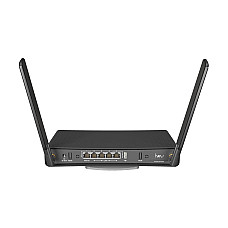
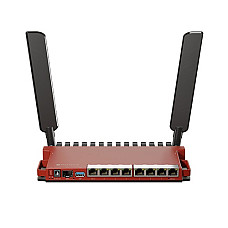
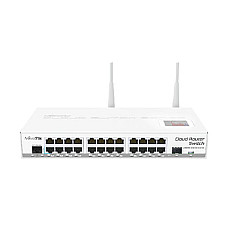
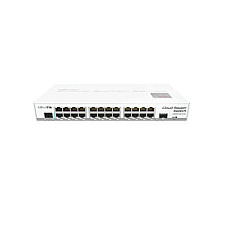
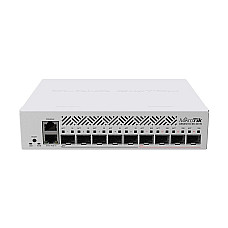
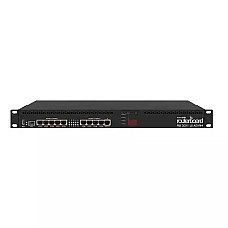
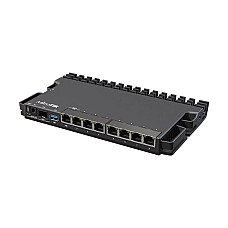
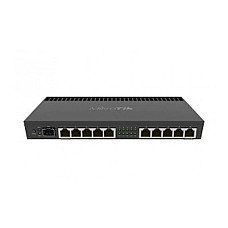
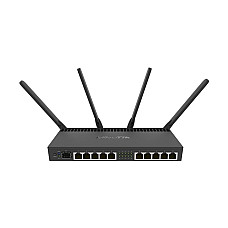
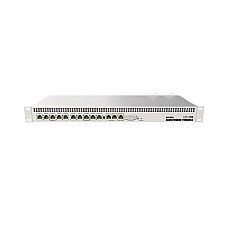
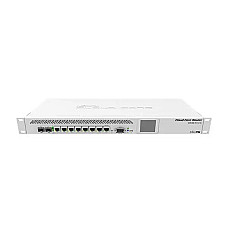
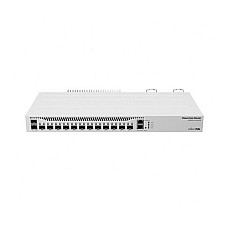
MikroTik Router Price in BD — Available at Computer Village
If you've searched "mikrotik router price in bd," you've probably already scrolled through the same fifty-odd product cards on three or four different shop websites. Most of them will tell you the price. Almost none of them will tell you which router you actually need. MikroTik pricing in BD runs from a few thousand taka for a basic home board all the way up to well over a lakh for enterprise-grade gear, and honestly, the exact number matters far less than getting the tier right. You'll find the current price on every card above, and we keep those updated as stock and currency rates move, so there's no point pinning a fixed figure here — it'll be outdated by next month.
What we can offer instead is something most price-listing pages skip entirely: real guidance. We've been racking, configuring, and repairing MikroTik hardware out of BCS Computer City, Agargaon for more than 25 years, and in that time we've seen plenty of customers walk out with the wrong box simply because it was the cheapest one that technically had enough ports. This page is our attempt to save you that mistake.
What You're Actually Buying: RouterOS, Not Just a Box
Here's the thing that separates MikroTik from almost everything else on the shelf. It isn't really a router in the way people usually mean that word — it's a small, purpose-built computer that happens to run RouterOS, a complete networking operating system. That distinction is the whole reason it can do things a typical Wi-Fi router simply wasn't designed to do.
Most consumer routers hand you a network name, a password box, and a handful of toggles buried three menus deep. MikroTik hands you the same control panel a network engineer would use on the job — proper firewall rule chains, PPPoE session management, VPN tunnels over WireGuard, IPsec, or L2TP, VLANs to keep guest traffic away from staff traffic, hotspot billing for a café or hostel, dual-WAN load balancing, and live bandwidth graphs down to the individual device.
There's a bit of a learning curve on day one, no point pretending otherwise. But once it's set up properly, it tends to just keep running, without the random reboots or slow firmware drift you get from cheaper consumer boxes over time. That's really the whole appeal in one sentence: real depth of control, paired with the kind of stability that lets you forget it's even there. It's why nearly every ISP, cyber café, hostel, and serious home-network enthusiast in Bangladesh ends up with one of these somewhere in their setup, sooner or later.
MikroTik Naming, Decoded
If you're new to the brand, a handful of terms keep showing up on every spec sheet, and it's worth knowing what they mean before you go comparing fifty product cards side by side.
RouterOS v6 vs v7. Version 7 is the current generation, with better WireGuard support and improved hardware offloading. Most stock now ships already on v7, or upgradable to it without any trouble.
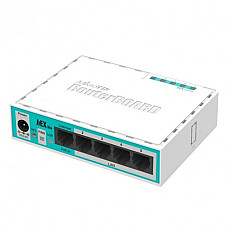
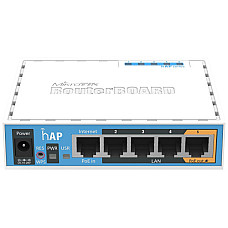
hAP, hEX, CCR, CRS. The naming actually means something. "hAP," short for Home Access Point, marks the Wi-Fi-enabled home and SOHO boards. "hEX" marks the compact wired gigabit routers. "CCR," Cloud Core Router, marks the multi-core, high-throughput models built for heavier loads. "CRS," Cloud Router Switch, marks switches that can also handle routing duties.
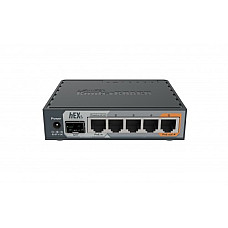
SFP and SFP+ ports. These are modular slots that accept fibre transceivers, letting a router connect straight into a fibre backbone instead of relying only on copper Ethernet. You'll find them standard on the hEX S and across the whole CCR line.
PoE-out. A port that powers whatever's plugged into it, like an access point or an IP camera, through the same Ethernet cable. Saves you buying a separate power adapter for that device.
Winbox. MikroTik's own configuration app, and by far the fastest way to get a router up and running without needing to memorise command-line syntax. It's also what our technicians use whenever we set up a unit in-store.
Which Router Fits Which Job
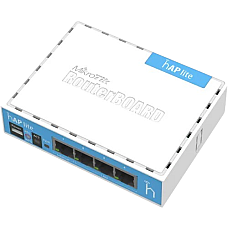
A student preparing for MTCNA, or just learning networking from the ground up, doesn't need horsepower so much as access to the real thing. A hAP lite board gets that job done at the lowest possible cost of entry. You'll outgrow it eventually, and honestly, that's the whole point of starting there.
A household running fibre broadband with IPTV, a couple of smart TVs, and fifteen or more connected devices needs dual-band Wi-Fi paired with gigabit ports, so the 5 GHz band isn't left competing for airtime with everything else in the house.
A small office of fifteen to forty people usually needs a solid gigabit wired core, one with enough CPU headroom to run firewall rules and a VPN for remote staff without the network noticeably slowing down during working hours.
A cyber café, hostel, or a building full of tenants needs hotspot billing and the ability to handle dozens of simultaneous logins without stumbling, which points toward the multi-core boards with more RAM for connection tracking.
A mini-ISP or a larger office backbone is really a different conversation altogether. PPPoE for hundreds of concurrent users, SFP+ fibre uplinks, and the kind of uptime an ISP's customers expect without excuses. This is CCR territory, and there's no real shortcut around it.
And if you're combining two internet lines for redundancy, say a fibre line with a 4G line as backup, you'll want a multi-core board that can load-balance across both and fail over automatically the moment one drops. We're happy to set that part up at the time of purchase.
The Specs That Actually Matter
CPU, meaning cores and clock speed. This is what handles firewall rules, NAT, and VPN encryption in real time. A single-core board at 600 to 650 MHz is perfectly fine for a home. An office running VPN for remote staff needs multiple cores at 1.4 GHz or higher, otherwise throughput drops the moment there's any real load on it.
RAM, which sets your ceiling on concurrent connections. More RAM simply means the router can track more sessions at once without slowing down. Something in the 32 to 128 MB range is plenty for a household. Offices, hostels, and ISP nodes should be looking at 1 GB and above.
Port speed, matched to your actual internet plan. If your connection is 100 Mbps or faster, gigabit ports aren't a luxury, they're the point. Running a fast line through 10/100 ports just throws bandwidth away. Still on a slower legacy connection? Then the price jump to gigabit isn't worth chasing yet.
Wireless bands. Single-band 2.4 GHz is better for range and cost, which suits a spread-out home or a CCTV backbone where distance matters more than raw speed. Dual-band, meaning 2.4 GHz and 5 GHz running together, is the smarter pick for a modern home juggling several devices competing for bandwidth at once.
PoE-out, if expansion is anywhere in your plans. Thinking about adding access points or IP cameras down the line? A router with PoE-out ports saves you the cost of separate power injectors later.
MikroTik Tiers, Side by Side
| Tier | Series | Fits Best | What Sets It Apart |
|---|
| Home / Learning | hAP lite (RB941 family) | Small flats, students, first-time RouterOS users | Lowest cost of entry into real RouterOS control |
| SOHO / Small Office | hEX (RB760iGS), hAP ac2, RB960PGS | Offices of 10–40, connected homes, PoE setups | Gigabit ports, some with dual-band Wi-Fi or PoE-out |
| Prosumer / Multi-WAN | RB450GX4, RB3011UiAS-RM, RB4011 series | Growing offices, dual-ISP setups, rack rooms | Multiple cores, gigabytes of RAM, 5–10 port layouts |
| Enterprise / ISP Core | CCR1009, CCR2004, CCR1036, CCR2116 | ISPs, WISPs, data-center edges, large campuses | SFP+/10G interfaces, heavy concurrent-session handling |
A Few Things Worth Checking Before You Order
RouterOS licensing already comes baked into almost every board we stock, so you're not paying for the operating system separately. That said, feature tiers, known as "RouterOS levels," do vary depending on the hardware class, and we're happy to confirm the exact level for any model you're weighing up.
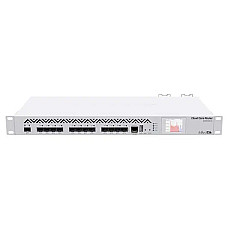
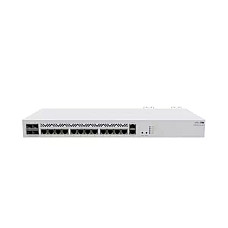
Rack-mount models like the RB3011UiAS-RM, the RB4011iGS+RM, and most of the CCR range use standard 1U 19-inch rack ears. Worth measuring your cabinet depth before ordering one for a server room.
SFP and SFP+ modules are sold separately from the router itself on fibre-capable models like the hEX S or anything in the CCR series. Just tell us your fibre distance and connector type and we'll match the right transceiver for you.
PoE-out voltage also isn't the same across every model, so always confirm whether it's passive 24V or the 802.3af/at standard before wiring up an access point or camera. Getting that wrong can genuinely damage the device on the other end.
And do update the firmware shortly after setting the router up for the first time. It's something we tell every first-time buyer, and it matters more than people usually assume.
Why Buy From Computer Village
Anyone can put a MikroTik SKU on a page next to a price tag. What's much harder to fake is more than two decades of actually racking, configuring, and repairing this hardware for real customers, day in and day out. We're a BCS- and e-CAB-certified retailer trading out of BCS Computer City, Agargaon since 1998, and every MikroTik unit here comes through official distribution rather than the grey market, backed by manufacturer warranty and our own in-house service center for anything that needs attention later on.
Support doesn't stop once the sale is made either. Our router and networking desk fields calls after delivery for VPN setup, PPPoE trouble, hotspot billing, dual-WAN failover, whatever the actual problem turns out to be. And the price you see on each product card reflects the current rate at time of listing, since currency shifts and global stock cycles do move MikroTik pricing more than people expect.
Build Out the Rest of Your Network
A router rarely does its job alone. Here's what usually pairs with it, along with the in-stock MikroTik models our customers reach for most often.
Sibling categories worth a look:
Best-selling MikroTik routers currently in stock:
Frequently Asked Questions
What is the MikroTik router price in BD right now?
It covers a wide range, from affordable home boards at one end to enterprise Cloud Core Routers at the other, with gigabit and dual-band models sitting in between. Computer Village updates the exact figure on every product card as stock and currency rates shift, so that's the number worth trusting over anything quoted elsewhere.
Is a MikroTik router good for a normal home, or is it only for IT people?
Both, genuinely. Entry-level hAP lite boards work well for small homes with basic needs, and dual-band models like the hAP ac2 handle busier households comfortably. The setup takes a little more effort than a plug-and-play router, but most home users configure it once and then leave it running for years without touching it again.
Does Computer Village sell genuine MikroTik hardware with warranty?
Yes. Every unit is sourced through official channels, comes with manufacturer warranty, and is backed by our in-house service center, sold from the Agargaon showroom with delivery available nationwide.
Which MikroTik router should an ISP or WISP buy?
The Cloud Core Router series, which includes the CCR1009, CCR2004, CCR1036, and CCR2116, is built exactly for this kind of load, with multi-core CPUs, larger RAM, and SFP+/10G interfaces for heavy, sustained throughput.
What's the real difference between MikroTik and a regular Wi-Fi router?
A regular router runs closed firmware with a small set of basic settings. MikroTik runs RouterOS, a full network operating system with firewall rules, VPN tunnelling, VLAN segmentation, hotspot billing, and load balancing, the same toolset network engineers actually use on the job.
Can one MikroTik router handle two separate internet connections?
Yes, on multi-core models like the RB450GX4 and the RB4011 series. Both support dual-WAN load balancing and automatic failover, so a second line can either share the load or take over the moment the primary one drops.
Do I need technical knowledge to set up a MikroTik router?
Some basic configuration is required, it isn't plug-and-play in the way a consumer router is. Our networking team walks through setup at the time of purchase and stays reachable afterward if any follow-up questions come up.